The Online Bracelet Studio
Make Your Own Crystal Bracelet Online
Choose each bead and arrange your design in MoonArq's online studio. This guide takes you from the first stone to a finished bracelet order.
Before You Begin
Start With a Color You Love
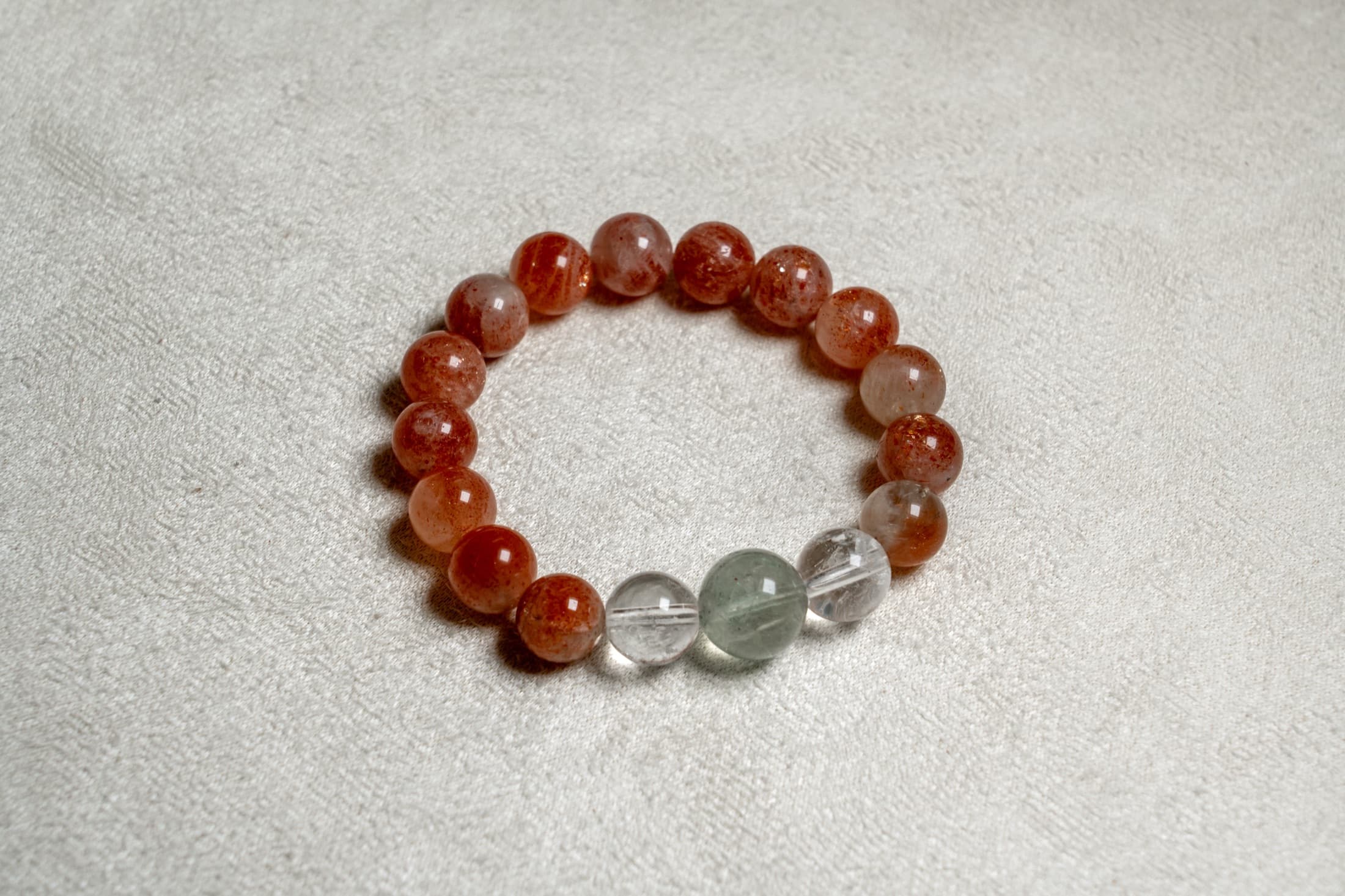
Pick one stone as your starting point, then decide whether to repeat it or add contrast. A clear bead beside a richly colored one creates a different rhythm from an even strand of one stone. The stone library can help you compare the options.
Measure your wrist before building. Keep that measurement nearby as you plan, and use our fit and measurement guide if you need a reference.
Five Steps
From Beads to Bracelet
- Choose a bead size. Open Build Your Own and choose a bead size. The size filters run from 6 to 16 mm, and the available stones vary with your selection.
- Add your stones. Browse by color and tap a stone to add one bead. Repeat a stone for a simple palette or combine different colors and textures.
- Arrange the bracelet. Drag beads to change their order, or move one to the delete area to remove it. Drag empty space to rotate the preview and see the whole arrangement.
- Review the design. Check the bead count and displayed price. Compare the design with your wrist measurement and contact the studio if you need help with fit.
- Save or order. Use Save this Bracelet to keep the design in Saved, or Add to Bag when you are ready. Review your bag and complete checkout to order the finished bracelet.
Design Notes
Try a Simple Arrangement
Begin with one bead size to compare colors clearly. Repeat your main stone, then place a few contrasting beads together as an accent. Rotate the preview to see how the pattern continues around the wrist.
For a more varied silhouette, add a second available bead size. Larger beads will stand out in the arrangement. Use Undo to remove the last bead in the strand, or drag individual beads to revise the pattern.
The Final Details
Review Before You Order
Check your combination, bead count, and price. Natural stones may vary slightly from their photographs, and bead size affects the way a bracelet sits. For a specific fit question, email the studio with your wrist measurement and design.
Review shipping and returns before checkout. If you would like to begin with a studio composition, browse the finished natural stone bracelets.
Good to Know
Online Design Questions
Do I receive a finished bracelet or loose beads?
You receive a finished bracelet prepared by MoonArq from your online design. The builder lets you choose and arrange the beads before ordering.
Can I use more than one bead size?
Yes. Change the bead-size filter as you build to add available beads in another size. Beads already in your design keep their selected sizes.
When can I save or add my design to the bag?
Add at least three beads to enable Save this Bracelet and Add to Bag. Before ordering, review the full arrangement and check whether it suits your wrist measurement.
How do I know the price of my design?
The builder displays the bracelet price as you add or remove stones. Review the order total, including shipping and applicable taxes, at checkout.